I usually use my devices a long time. I’m still rocking a 2013 MacBook Air! Even though I don’t shy away from replacing the batteries in my devices, I was quite excited when Apple introduced the 80% charging limit setting. See Settings > Battery > Battery Health > 80% Limit. However, sometimes I would like to temporarily disable that feature to have my device charge to the full 100%, for example when I’m traveling.
Apple already anticipated that users might want to temporarily change this setting. When you try to turn it off, you’ll be asked whether you want to turn it off only until tomorrow or permanently go back to charging fully.
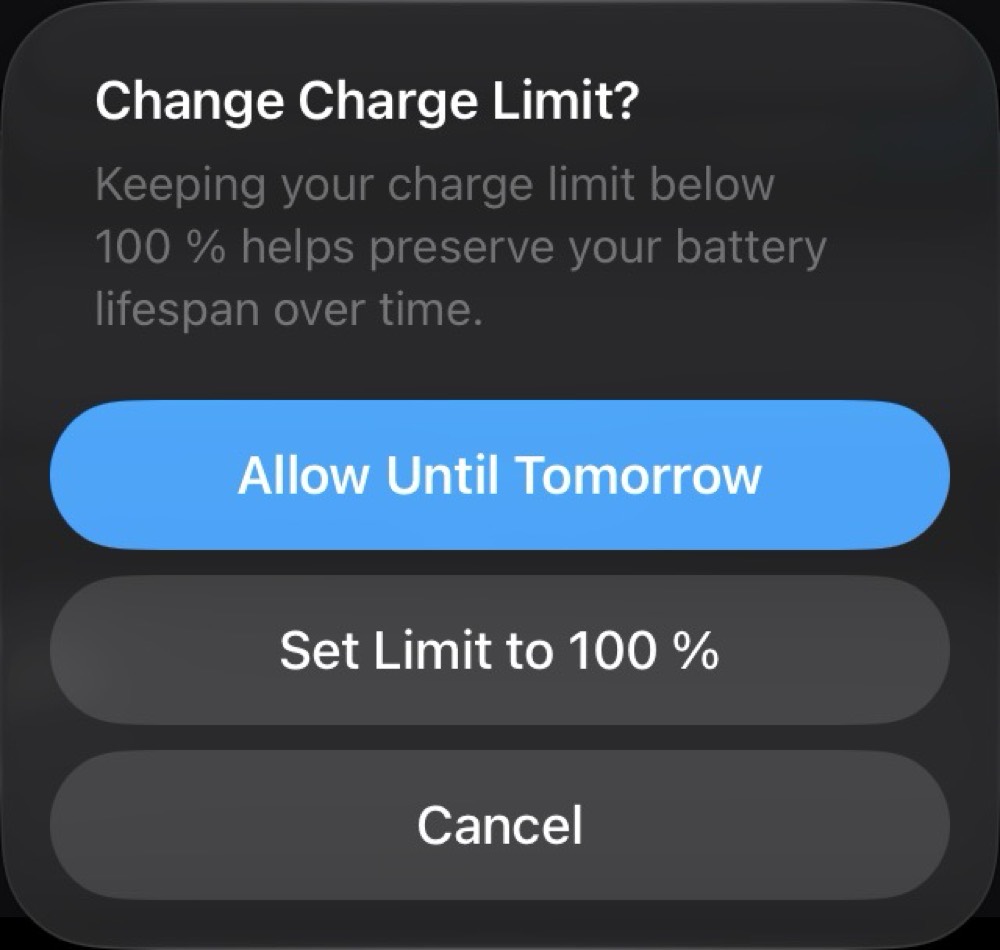
While this is great, it’s quite cumbersome to navigate to the setting when you just want to go to bed. Luckily, the setting can be adjusted via Shortcuts!
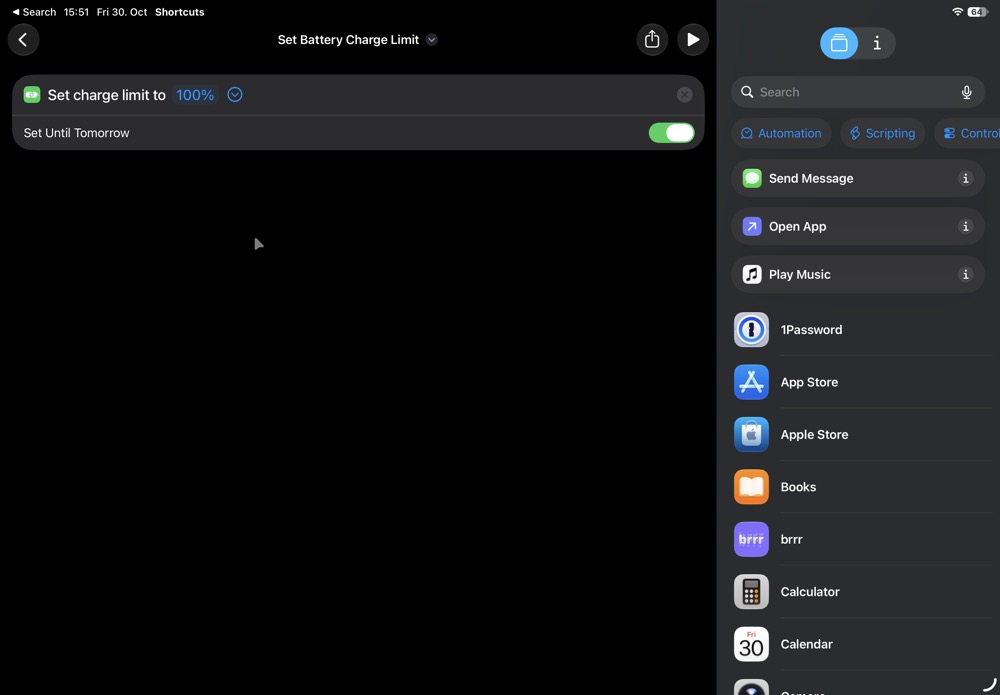
Furthermore, for the last couple of iOS/iPadOS versions we’ve been able to add Shortcuts as buttons in Control Center.
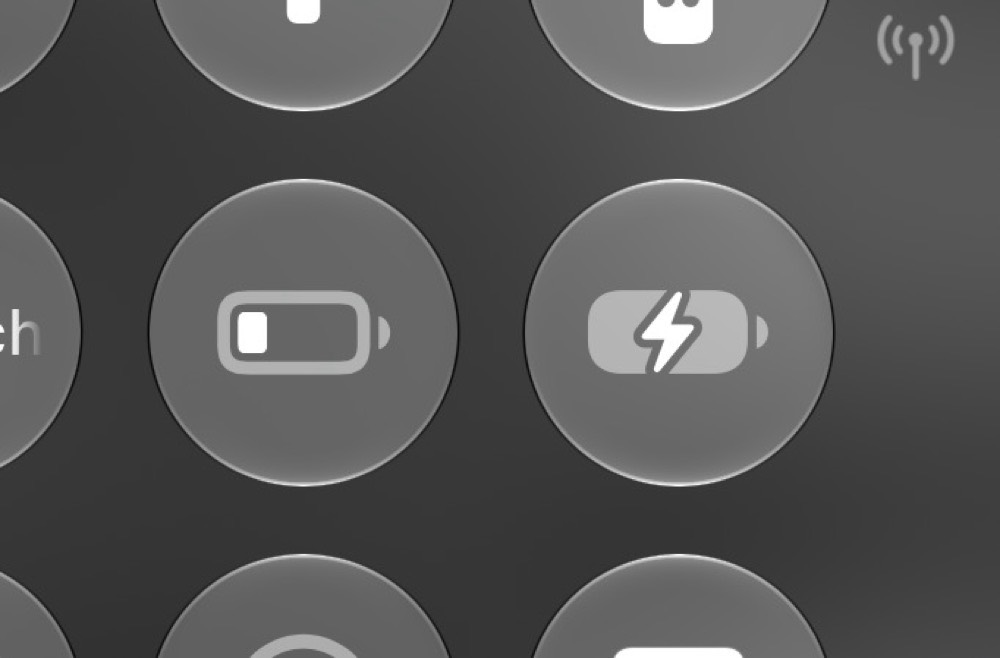
Super convenient!
Thanks for showing me this, Flo!